
Drizzle
A downloadable project

About
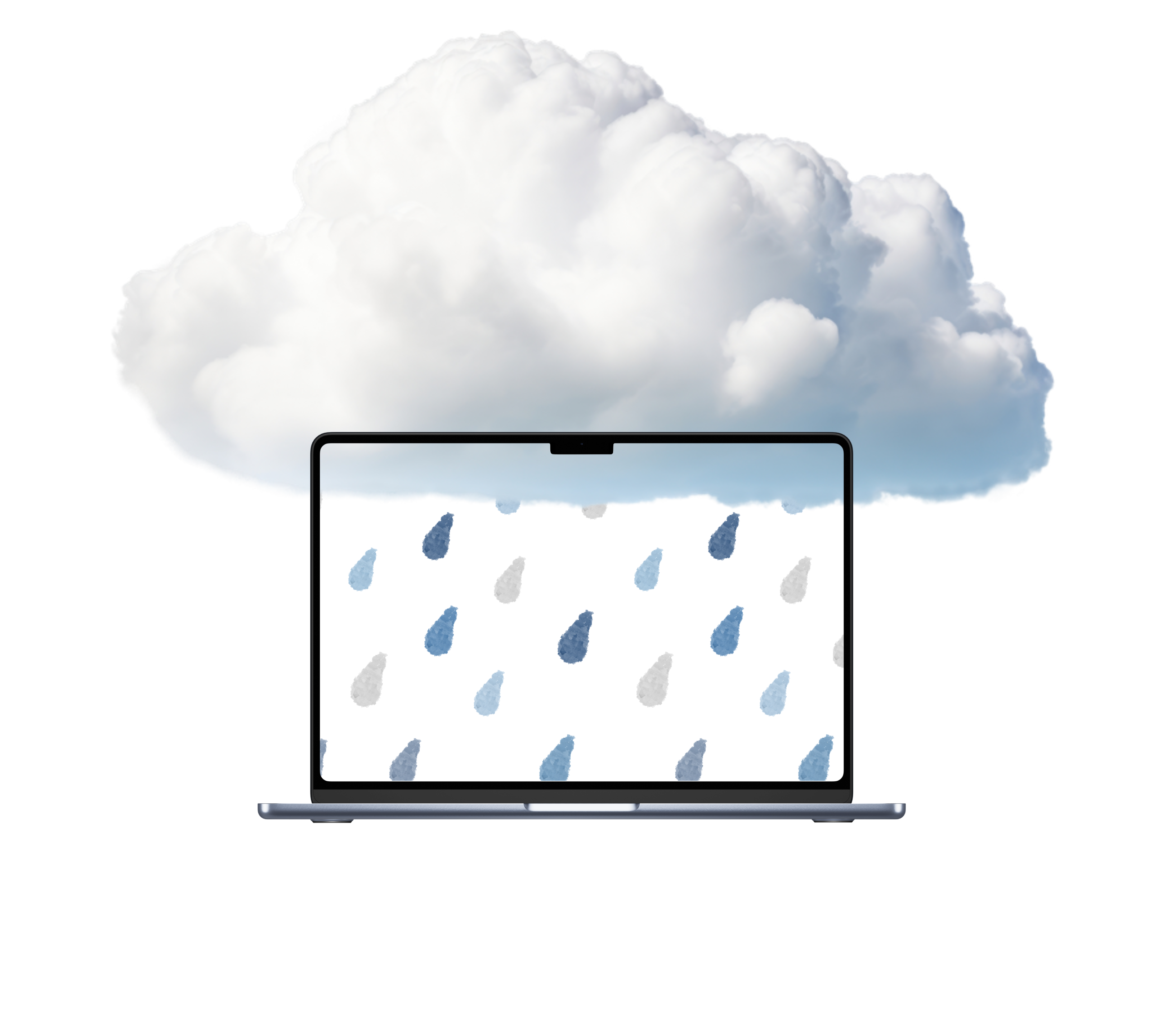
A lightweight desktop app that brings gentle rain to your screen. Perfect for focus, relaxation, and creating a cozy atmosphere while you work.
Features
How to use
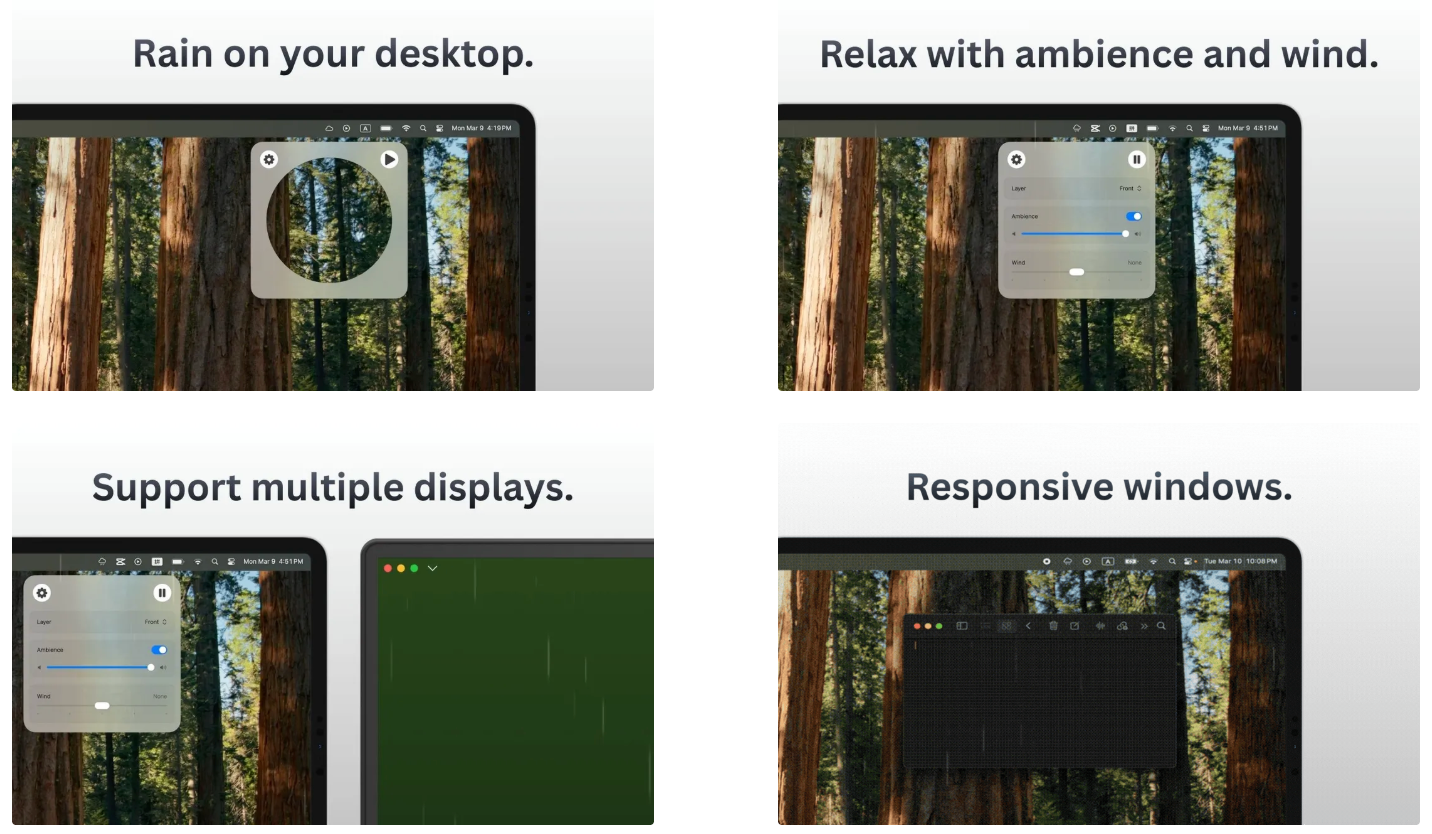
Click Play to start the rain.
The rain settings panel will appear automatically.
In the rain settings panel, you can:
- Turn Responsive Windows on or off. This optional feature requires Screen Recording permission so Drizzle can detect window positions.
- Choose whether the rain appears in front of your screen content (rain overlays everything) or behind windows (rain falls behind apps and disappears in full-screen mode)
- Turn ambient sound on or off and adjust its volume
- Adjust wind intensity to change the direction of the rain
Click anywhere or on the top bar to close the panel.
Click Settings to quit the app or enable Launch at Login.
Drizzle automatically works across multiple displays, keeping the same settings on every screen.
Credit
Ambience by DRAGON-STUDIO, White_Records, Mikhail from Pixabay.
Available on

Leave a comment
Log in with itch.io to leave a comment.